Verify the full system
After the family, check everything around it.
Use only the relevant system routes below to verify construction, dimensions, setting surfaces, and bench access. These cards are decision support—not additional product or compatibility claims.
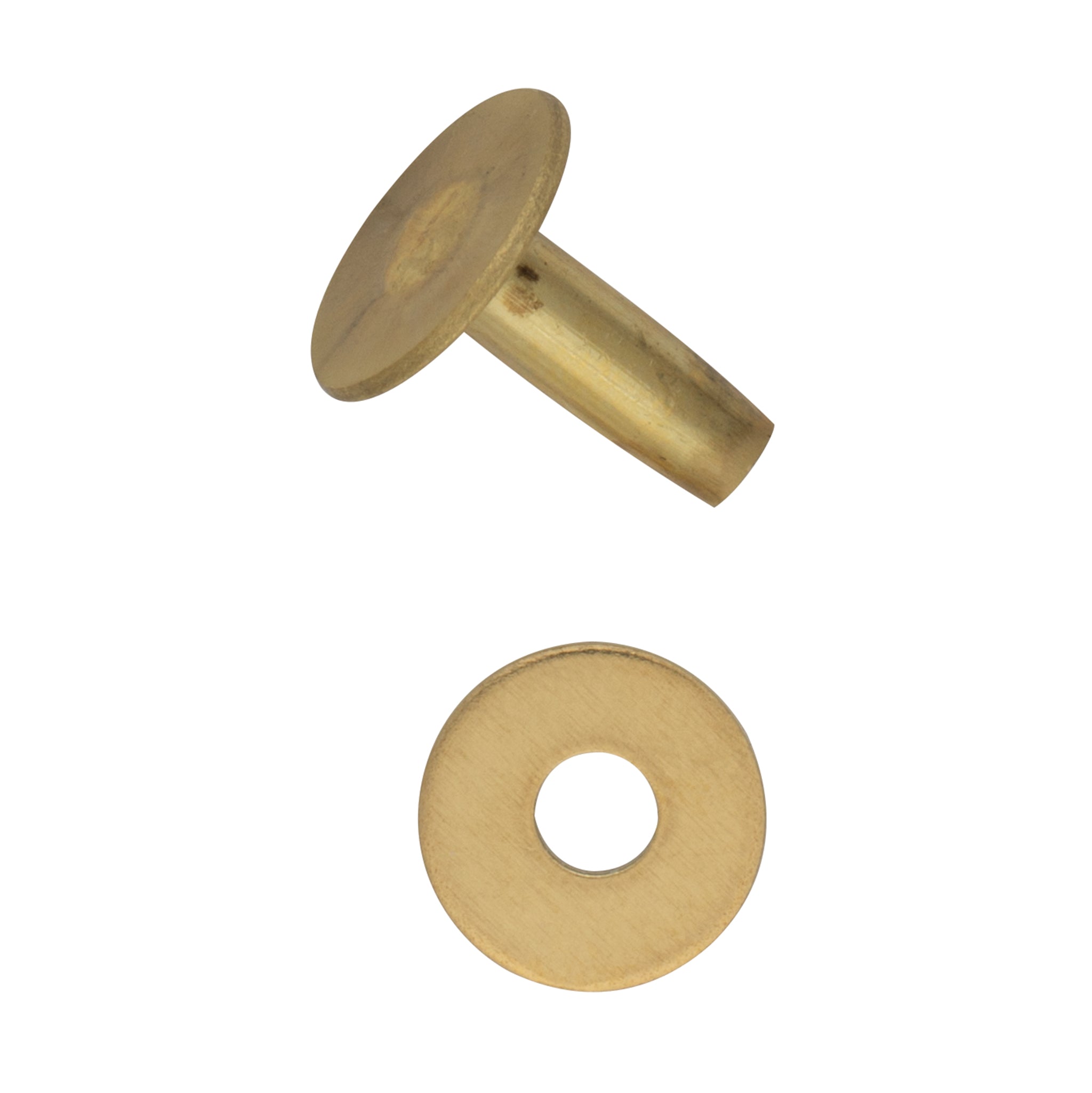
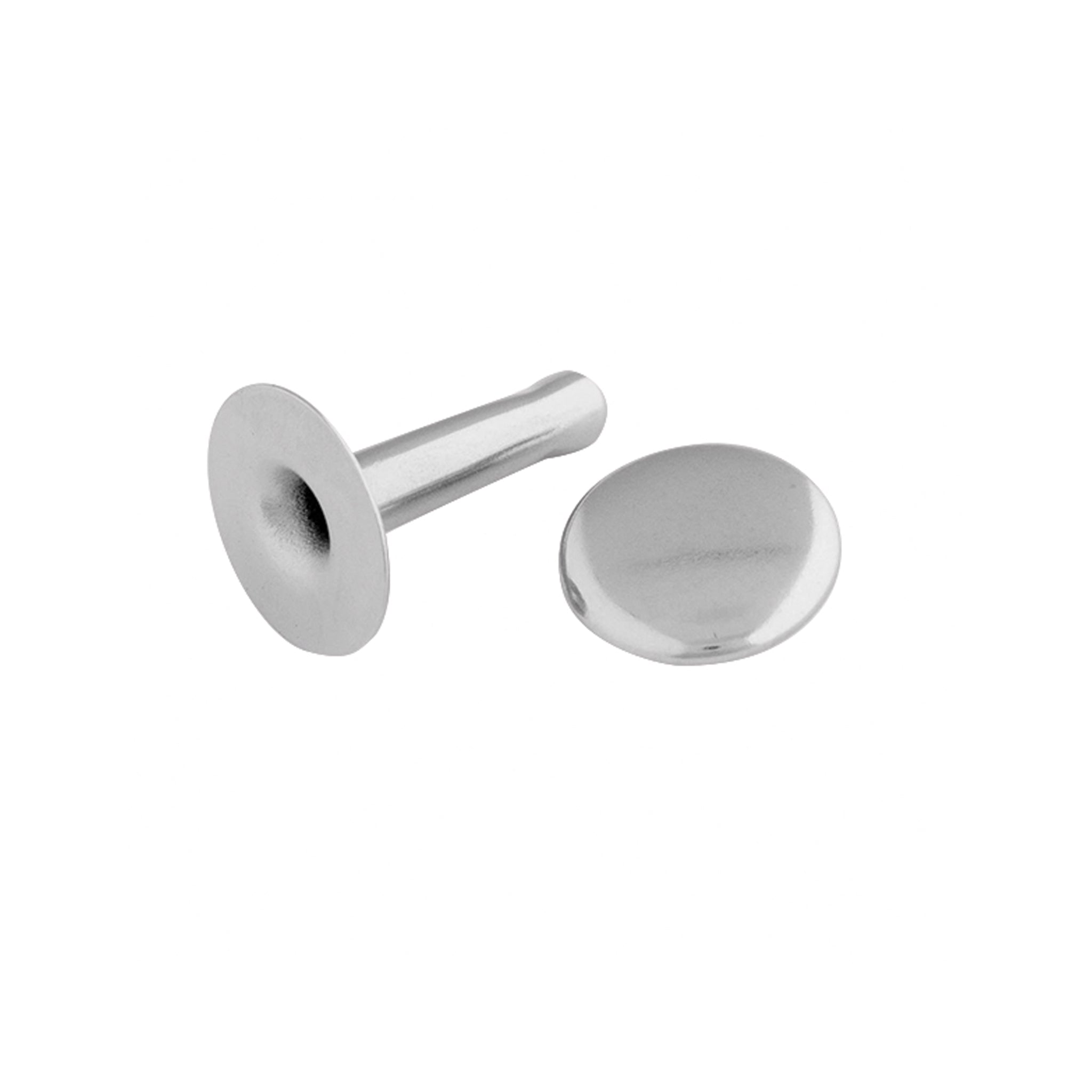
Capped rivets
Compare capped hardware only after the listing identifies the construction, dimensions, base material, finish, and intended setting tool.
Use this route whenUse this route when one or both finished faces call for a cap and the current maker documentation names a matched setting system.
Verify on the current listing
- Single-cap or double-cap construction
- Seller-defined post, shaft, and cap measurements
- Base material and finish stated separately
- Named setter, anvil, or die profile
○Collection link pending program approval
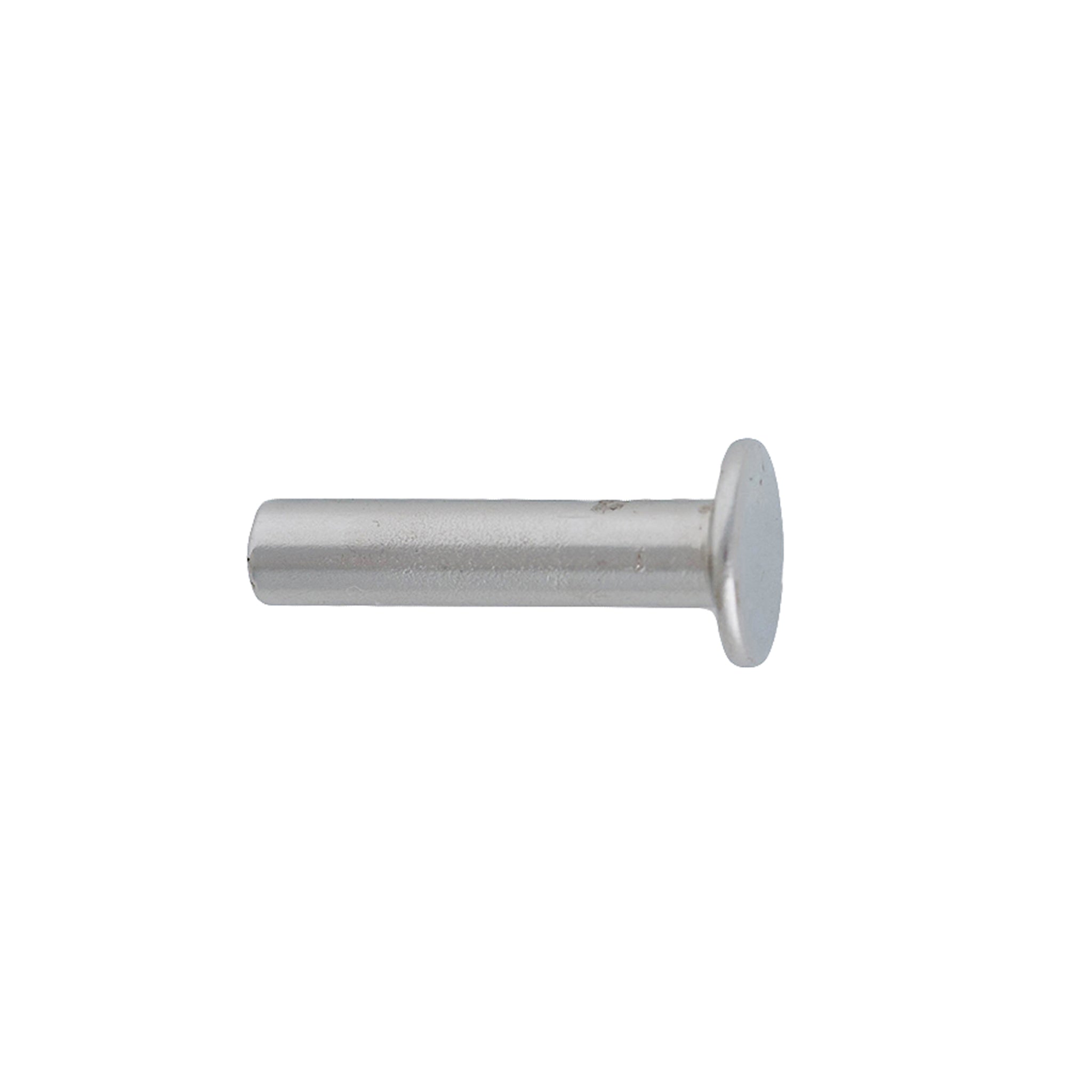
Tubular & rapid rivets
Keep tubular and rapid-rivet terminology attached to the current listing. Similar silhouettes do not establish shared dimensions or tools.
Use this route whenUse this route to compare one-sided or formed-reverse systems without transferring a size chart from capped or solid-and-burr hardware.
Verify on the current listing
- Exact construction named by the seller
- Intended reverse-side form and finish
- Shaft, head, and post measurement diagram
- Matching forming tool or die reference
○Collection link pending program approval
Setters & anvils
Treat the upper setter and lower support as a matched pair. A recess that looks close can still flatten, ring, or tilt a cap.
Use this route whenUse this route for hand-set samples and low-volume work after the hardware family and cap profile are documented.
Verify on the current listing
- Supported rivet family and cap profile
- Setter face and anvil recess dimensions
- Current maker instructions
- Stable striking and work-support requirements
○Collection link pending program approval
Presses & dies
Separate the press body, attachment interface, upper die, lower die, and project clearance into individual compatibility checks.
Use this route whenUse this route when guided alignment or repeat work matters and each interface can be confirmed from current documentation.
Verify on the current listing
- Press attachment, thread, shank, or holder
- Upper and lower die identifiers
- Supported hardware construction and profile
- Throat, height, stroke, and project access
○Collection link pending program approval